Search Results
28 results found with an empty search
- Introducing Auto Punch In/Out
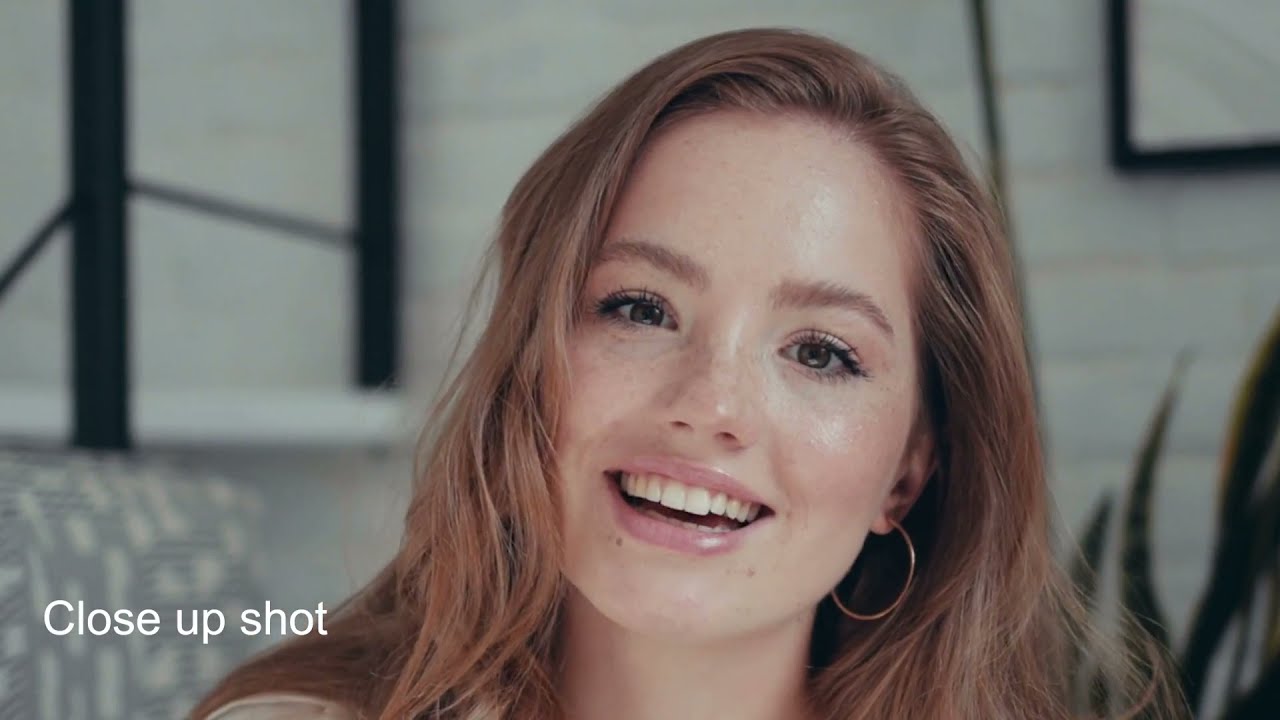
You already know that removing pauses and awkward silences are supposed to maintain the flow of a video and keep your audience engaged. Removing these pauses results in what’s known as a jump cut. A jump cut is a sudden cut between two sequential shots of the same subject from a stationary camera angle that makes the subject appear to “jump” in frame. This editing technique is very popular among YouTubers because it doesn't require multiple cameras and is an expedient way of maintaining an engaging pace. But what if you could make it look like there was a second camera? That’s where Wisecut’s Auto Punch In comes into play. Wisecut is set to “punch in” and “punch out” automatically. In other words, Wisecut will scale up some shots to create the illusion of an additional camera within closer range. Then, in the following scene, Wisecut will scale back the shot to its original dimensions, giving the impression that you have returned to the wide-range camera. This widely used technique ensures that cuts or jump cuts have a more organic flow while using one camera. Sign In To Wisecut #wisecut #automaticvideoeditor #onlinevideoeditor #vlogging #youtuber
- Introducing Automatic Audio Ducking
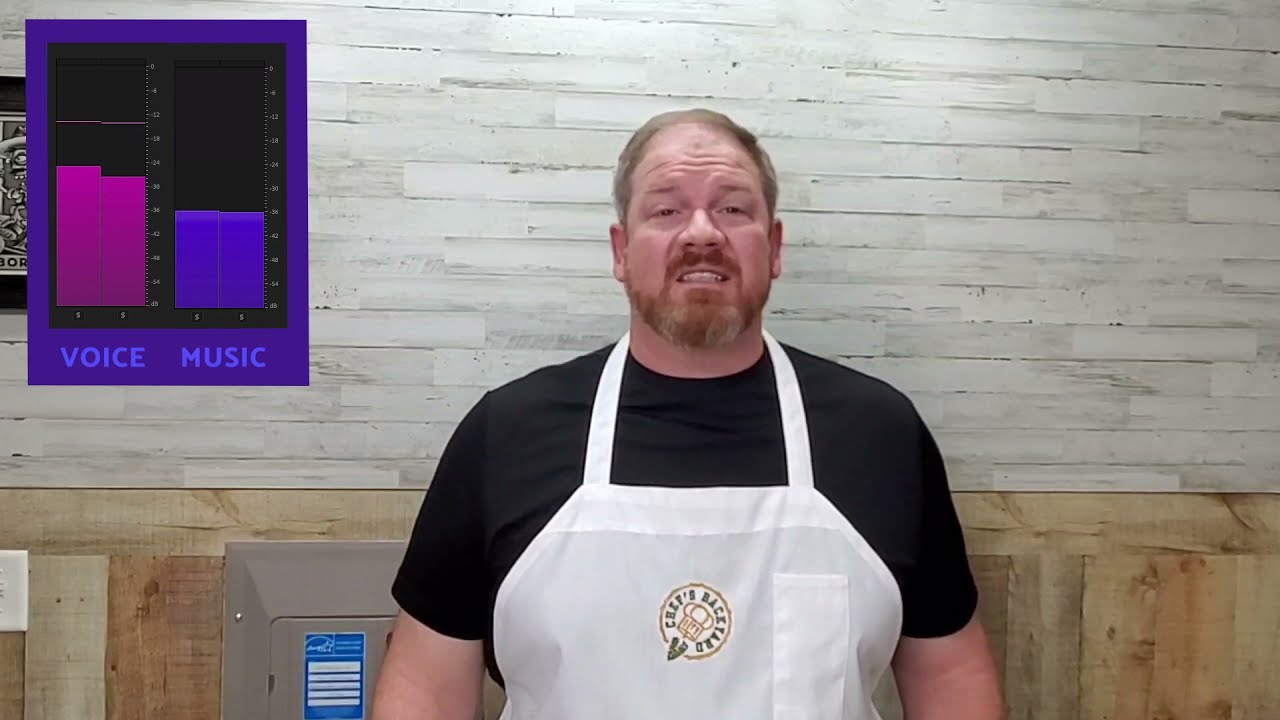
You already know that background music is important to keep your viewers engaged while enhancing a video’s mood. Still, it’s essential to balance the audio. If you are talking in your video, you want the music to be in the background so your audience can hear you clearly. When you are not talking — showing B-roll footage, for instance, or providing a demonstration — you want the music to be in the foreground. Making these audio edits manually can take a long time when using other video editors. Unless you enjoy spending hours playing with keyframes to balance your video’s audio, we have something for you: Wisecut Auto Duck. Wisecut uses AI to balance your audio, automatically lowering the music when someone is speaking and increasing when speech is absent. This will ensure your audience hears what matters most. Sign In To Wisecut #wisecut #automaticvideoeditor #onlinevideoeditor #vlogging #youtuber
- Introducing the new Wisecut!
Wisecut Beta was good, but we're aiming for excellence! We just launched a beautiful new Wisecut for you. It's another step in our master plan to empower content creators. Here are some of the improvements for your content creation arsenal: 1. Drag-To-Reorder Simply drag the scenes to re-order your story. 2. Full Video & Text Integration The storyboard text is now 100% linked to the video. You can follow the video by reading the lines in the storyboard, similar in style to karaoke. And when you click on a text line it goes directly to that part of the video, making it easy to find and edit the content video. 3. Youtube Integration Wisecut is now integrated with YouTube, so you can export your Wisecut video directly to YouTube. No need to download and upload it again. With this major update, we're bringing it all together along with the groundbreaking features you already know -- Auto Cut Silences, Auto Background Music, and Auto Subtitles . You wanted speed and performance? You got it. You wanted a sleeker, more intuitive user experience? You got it! Stay tuned as we will launch new features in the coming weeks that we know you are going to love! SIGN IN #wisecut #automaticvideoeditor #onlinevideoeditor #vlogging #youtuber
- Introducing Subtitles Auto Translation
Say Hello (or "Olá", "Hola", "Bonjour", "Ciao", "Hallo" ) to Auto Translation. Not everyone speaks your language. Reach a broader audience by auto-translating your videos into other languages. Wisecut’s Auto Translation feature generates and translates all of your video’s subtitles in five different languages with the click of a button. You can translate your videos in the “Translations” tab after creating your project, as shown below. SEO tip: Appealing to a broader audience helps boost visits and reduce bounce rates. Sign In To Wisecut #wisecut #automaticvideoeditor #onlinevideoeditor #vlogging #youtuber